

 English
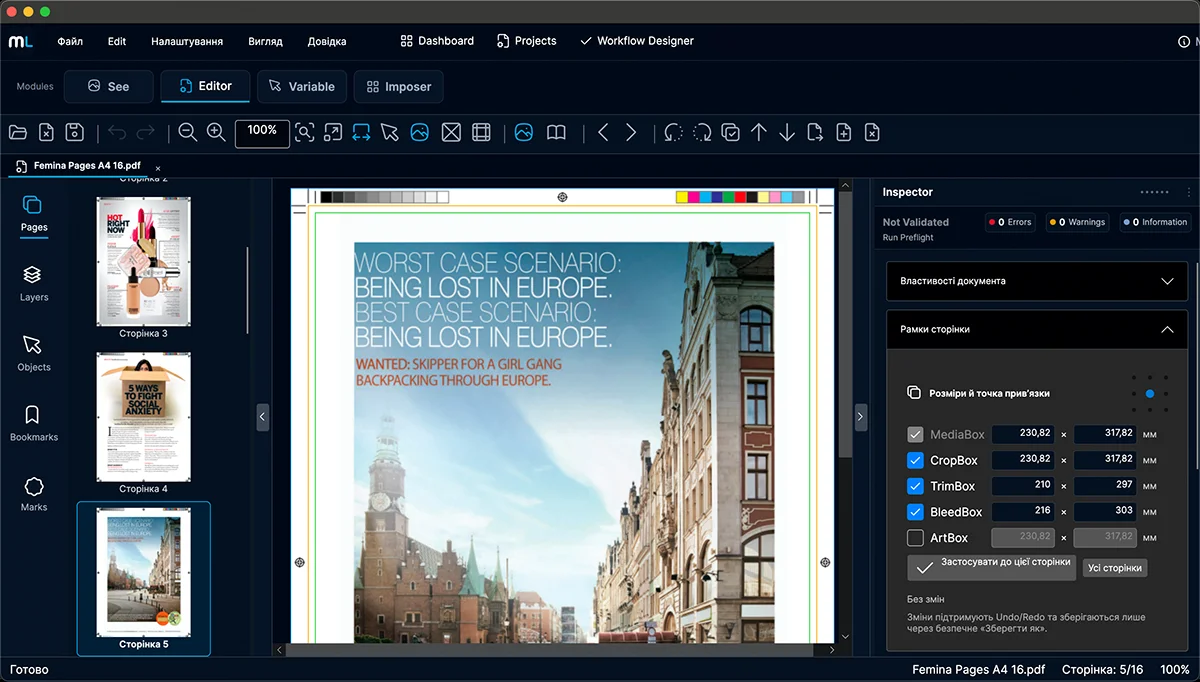
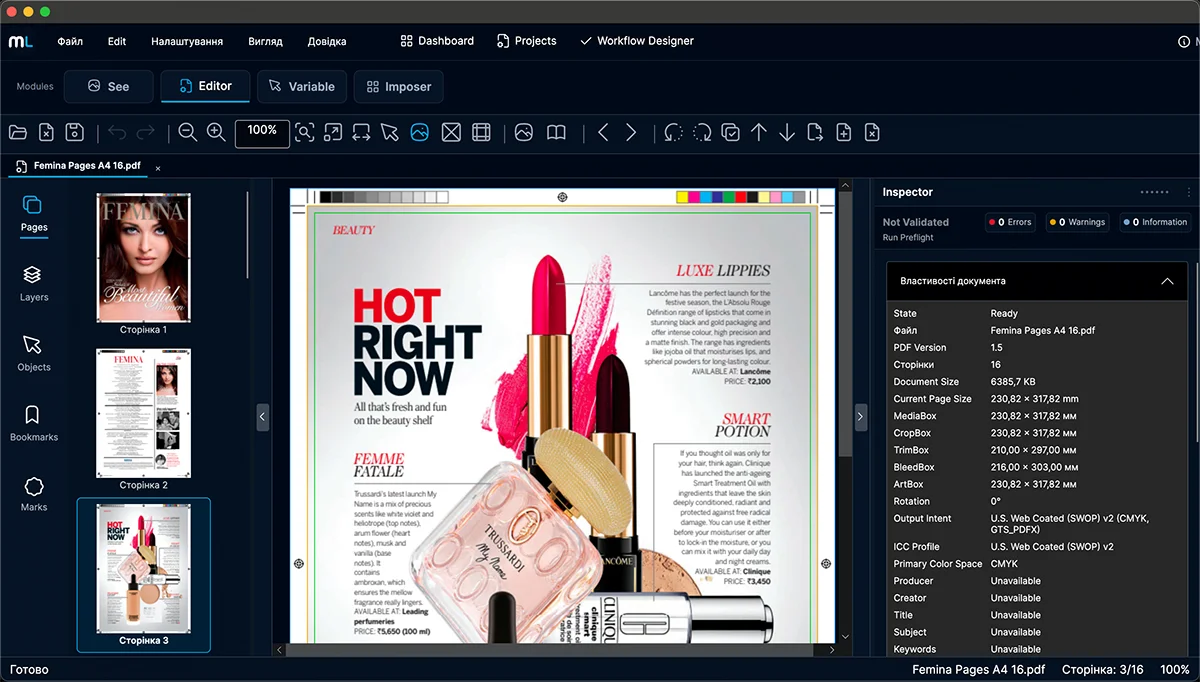
Inspect, edit and prepare PDF artwork for production — with precise page handling, production geometry and prepress controls. 14-day trial Add, remove, rotate, reorder and combine pages. Inspect and work with MediaBox, CropBox, TrimBox, BleedBox and ArtBox. Inspect color and essential PDF production properties. Controlled editing, preview and reliable PDF saving. Work with the structure of the PDF directly inside ML Editor. Add, remove, duplicate, reorder and rotate pages while keeping the document in the same prepress workspace. Insert pages where they are needed or remove pages that should no longer be part of the document. Duplicate existing pages and change their order to build the document structure you need. Change page orientation using predictable 90-degree rotation steps. Manage page-level operations without leaving the document preparation workflow. PDF page boxes define how a page is displayed, trimmed and prepared for production. ML Editor makes this geometry visible and gives the operator a production-focused view of the page structure. Inspect the page areas that define the physical and production structure of the PDF. Work with MediaBox, CropBox, BleedBox, TrimBox and ArtBox in the same document context. Use page geometry to understand the relationship between document size, visible content, bleed and intended trim. ML Editor analyzes PDF files for production-related issues and presents the results in a clear, structured way — helping operators understand what needs attention before the file moves further into production. Inspect page geometry, page boxes, color and other PDF properties relevant to production. Use built-in profiles for different production requirements or create your own checking profiles. Review detected issues in structured result groups and export reports in supported formats for production or communication. Different print workflows require different checks. ML Editor lets you use built-in preflight profiles for common production requirements and create your own profiles for the way your company works. Start with predefined checking profiles instead of configuring every production check from scratch. Use different preflight requirements for different production scenarios instead of forcing every PDF through the same set of checks. Build checking profiles around your own production requirements and reuse them for future jobs. Apply the same preflight logic consistently across similar jobs and reduce dependence on manual operator setup. Finding a production issue is only the first step. Where a supported fix is available, ML Editor helps the operator move from detection to correction while keeping the change under control. Supported preflight findings can lead directly to an available corrective action instead of leaving the operator to search for the right tool. Where supported, changes can be reviewed or confirmed before they become part of the working document. ML Editor keeps corrective actions explicit. The operator remains in control of whether a proposed change should be applied. Assisted Fixes currently cover selected production and document corrections. Additional fix capabilities will expand as ML Editor develops. ML Editor brings object-level inspection and editing into the same prepress workspace used to check and prepare the document. Select PDF objects, inspect their properties and perform supported editing operations without leaving the production workflow. Select objects in the PDF and inspect their available properties before making changes. Use supported object operations such as move, duplicate, delete and transform when a document requires a focused correction. Keep object inspection and supported editing operations together with page geometry, preflight and other production controls. Currently available object-editing capabilities continue to expand as ML Editor develops. ML Editor turns detected preflight issues into structured results that are easier to review and act on. Instead of leaving the operator with an unexplained technical warning, the results provide context for what was detected and where attention is required. Review detected issues in organized result groups so production problems are easier to understand and prioritize. Use issue navigation to move from the preflight result toward the relevant problem in the document. Export preflight reports in supported formats for production records, internal communication or discussion with the customer. Supported report formats include JSON, HTML, PDF and TXT. ML Editor is designed as part of a connected prepress environment — where a PDF can be checked, corrected and prepared while remaining within the context of the production job. As ML Prepress develops, Editor becomes one step in a broader workflow connecting projects, production tools and job status. ML Editor already participates in the shared ML Prepress shell and project workspace foundation, allowing document work to evolve around a persistent production context. Editor is designed to work alongside ML Imposer, ML Variable and other ML Prepress modules instead of becoming an isolated PDF utility. Planned project integration will allow preflight state to become part of the job status visible in the ML Prepress Dashboard. One file. One production context. Connected prepress tools. Professional PDF editing and inspection for prepress workflows. Request a 14-day trial and evaluate ML Editor with your own production PDF files.Professional PDF editing for prepress.
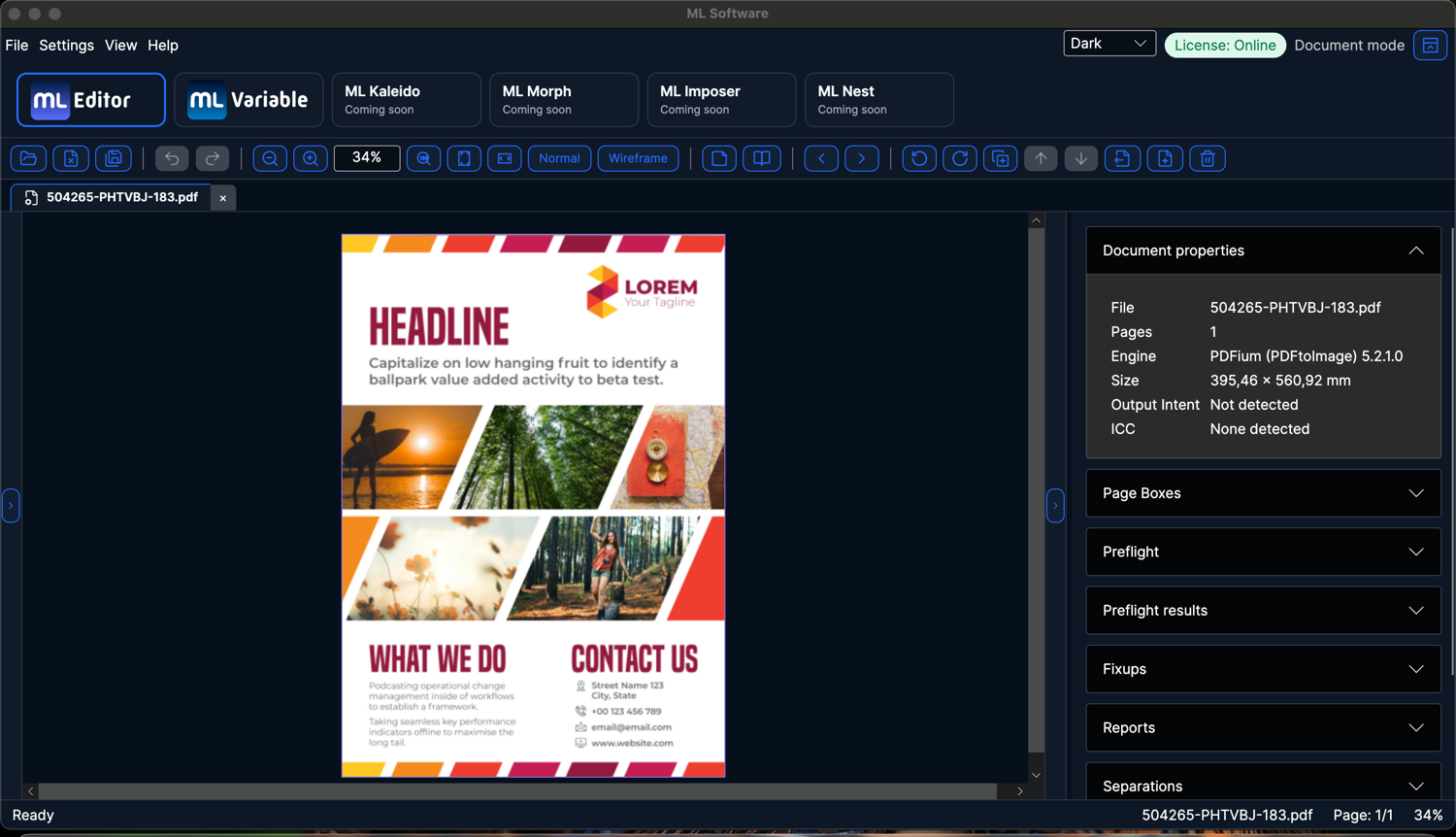
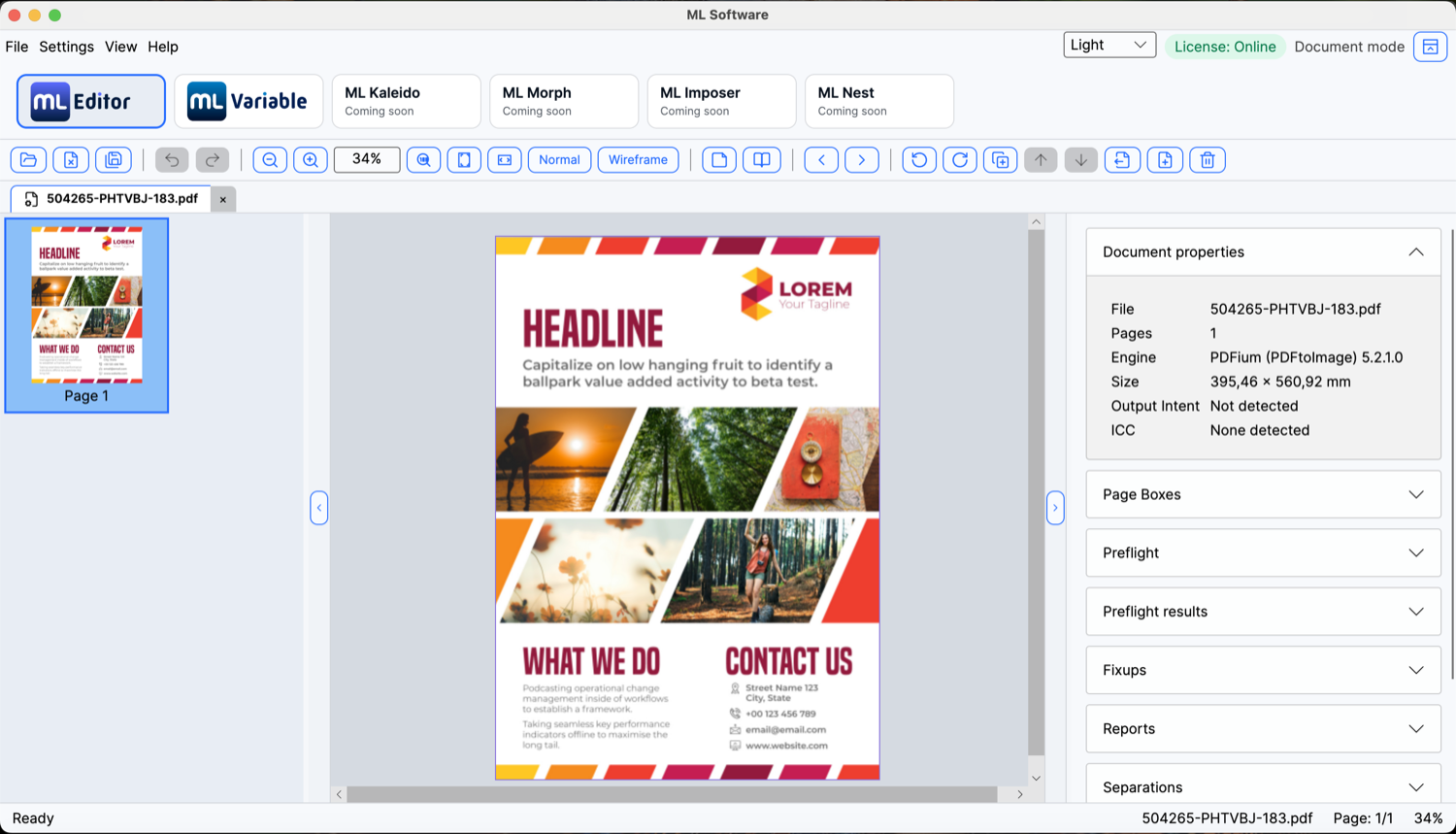
Focused tools for production PDF work
Edit PDF Pages
Production Geometry
Color & Inspection
Safe PDF Workflow
Page Operations — control the document page by page
Add and remove pages
Duplicate and reorder
Rotate in controlled 90° steps
Work with multi-page PDFs
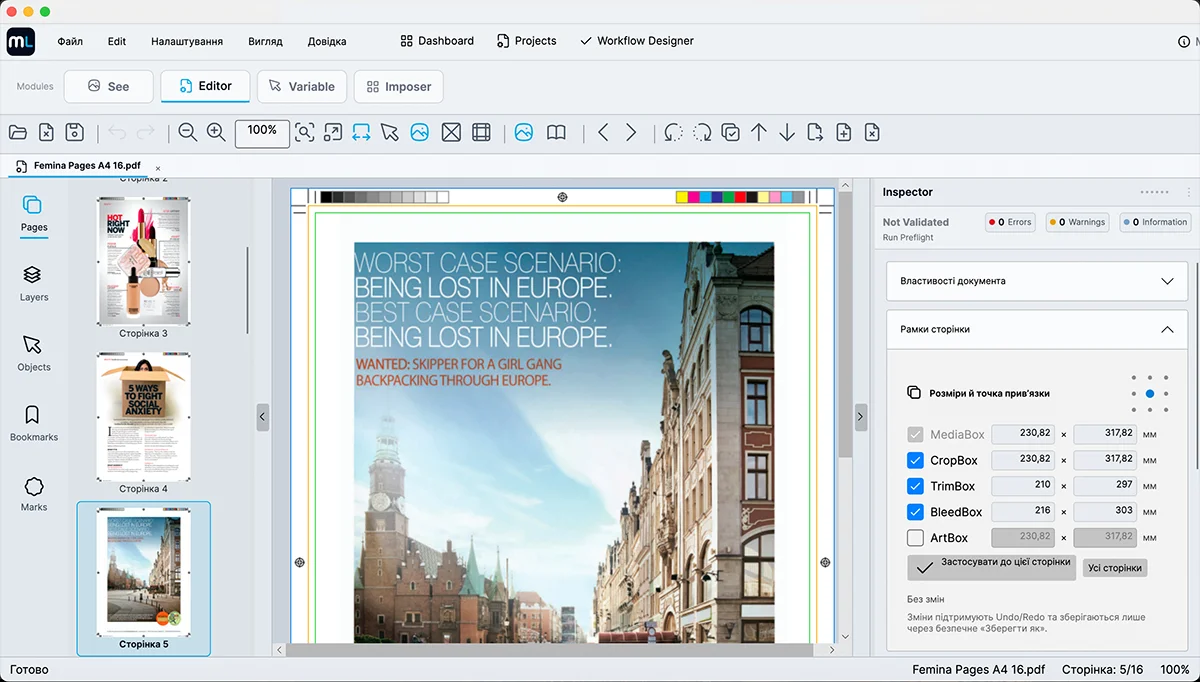
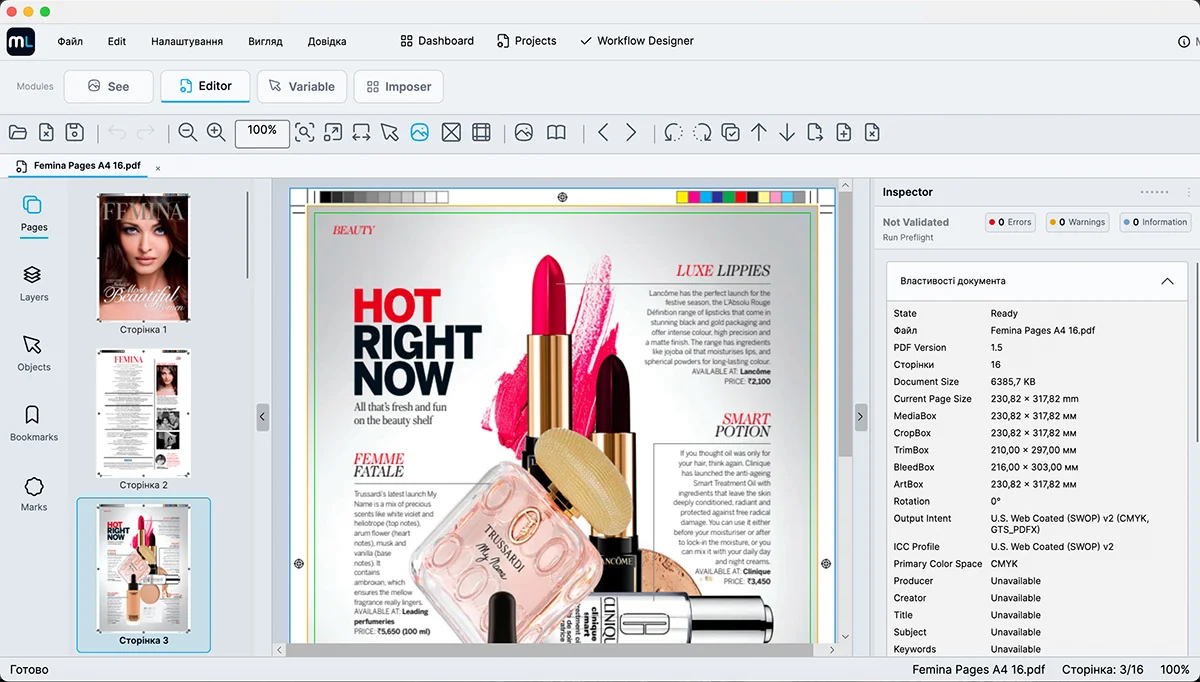
Production Geometry — work with the boxes that define the printed page
See page-box geometry
Production boxes in one view
Understand the final page
Preflight — check PDF files before they reach production
Production-focused checks
Preflight presets
Clear results and reports
Preflight Presets — checks built around your production
Built-in profiles
Different workflows, different rules
Create your own profiles
Repeatable checking
Assisted Fixes — detect the problem, then act on it
From issue to action
Preview before applying
Controlled corrections
Growing set of fixes
Object Editing — work directly with PDF content
Select and inspect objects
Make targeted changes
Edit in prepress context
Preflight Results & Reports — understand the problem, not just the error
Clear, structured results
Navigate to detected issues
Share the result
Built for the ML Prepress workflow
Project context
Connected ML tools
Preflight status in Dashboard
ML Editor
Ready to try ML Editor?